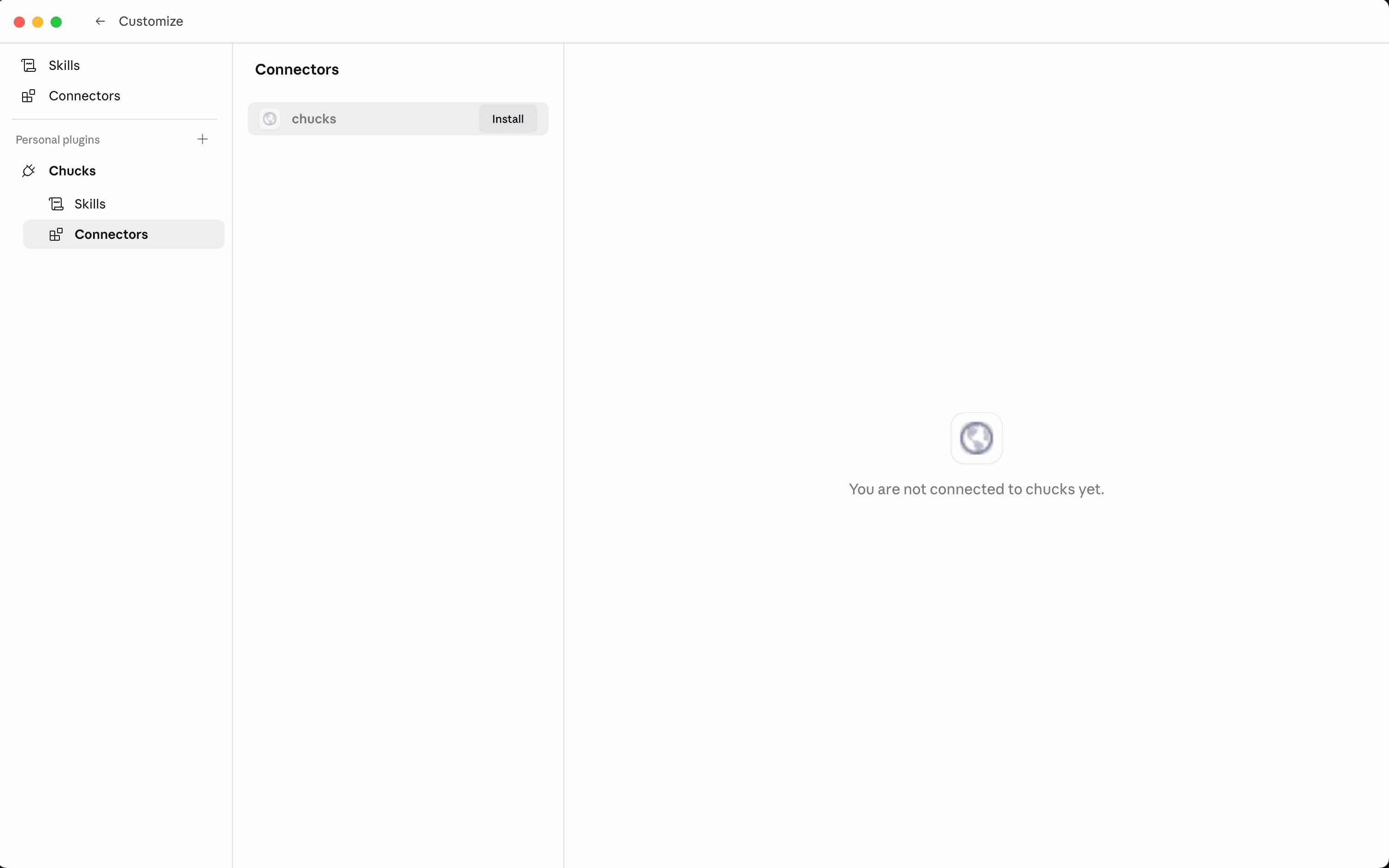
Set up in Claude.ai

Claude.ai doesn't have a marketplace for plugins, so the setup is two manual steps: add the Chucks connector, then paste the encounter-builder skill into your Skills library.

1. Add the connector

In Claude.ai, open Customize Connectors, click the + button, and choose Add custom connector.

Claude.ai Connectors page with the Add custom connector menu open

2. Fill in the connector details

Name the connector Chucks and paste the connector URL:

https://mcp.chucks.ai/mcp

Click Add. The connector lights up and Claude can now reach the Chucks monster database.

Add custom connector dialog with name Chucks and the connector URL filled in

3. Add the skill

Switch to the Skills tab in the same Customize screen, click the + button, and choose Write skill instructions.

Claude.ai Skills page with the Write skill instructions menu open

4. Paste the skill instructions

In the dialog that appears, fill in each field below.

Skill name

encounter-builder

Description

Build balanced 5E-compatible combat encounters. Use this when the user wants to create, design, or plan a combat encounter for their fifth edition party.

Instructions
# 5E Encounter Builder

Build valid 5E-compatible combat encounters (SRD 5.2.1) with random_encounter_generator, encounter_planner, monster_search, encounter_validator, and monster_lookup.

Do not force an encounter when the user's constraints cannot produce a valid roster. If required monsters do not exist, cannot fit the XP budget, or cannot satisfy explicit scene constraints, explain what blocks the encounter and ask which constraint to relax.

## Party Composition

`party_composition` is required: the number of characters and their levels. Ask for it if missing.

`difficulty` is optional. If the user does not specify it, use `"unknown"`.

Only include `xp_bump_percent` if the user explicitly asks for an encounter that diverges from the baseline XP budget for the party's levels.

## Scene

Map scene fields once and pass the same values to any tool that accepts them.

`habitat`: the environment the user described, plus any habitat that directly borders it. Examples: village in farmland -> `["Urban", "Grassland"]`; shallow cavern in woods -> `["Caverns", "Forest"]`; forest river -> `["Forest", "Inland Water"]`.

Map scene words to habitat values:
- Urban: city, town, village, hamlet, castle, tower, street, alley, inn
- Grassland: plains, prairie, steppe, farmland, savanna, open fields
- Inland Water: river, lake, stream, canal, riverbank, lake shore
- Forest: forest, jungle, rainforest, dense woods
- Hill: hills, moorland, foothills
- Mountain: mountains, peaks, high pass, alpine cliff
- Coastal: beach, shoreline, seaside cliff, cove, lagoon
- Sea: ocean, high seas, reef, seabed, abyss
- Swamp: swamp, marsh, bog, fen, bayou, mangrove
- Caverns: caves, tunnels, mines, grottos
- Dungeon: crypts, catacombs, sewers, vaults, prison, tomb
- Ruins: ruined temple, keep, abandoned town, ancient ruins
- Arctic, Desert, Underdark, Planar: use the matching value only when explicitly named

`pc_situation`: what the PCs are doing. Use `on_waterborne_vessel`, `flying`, `surface_swimming`, or `underwater_swimming`. Omit it for an ordinary land scene.

## Choose your approach

First decide whether the request has any explicit custom encounter constraints.

The following fields do not count as custom encounter constraints:
- `party_composition`
- `difficulty`
- `xp_bump_percent`
- `habitat`
- `pc_situation`

Scene context such as forest, ocean, countryside, dungeon, city street, sailing on a ship, swimming, or flying is only `habitat` and/or `pc_situation`. It does not require plan → search → validate.

Do not infer custom constraints from scene context. Do not invent themes such as pirates, sea creatures, naval threats, ambushers, or factions before choosing the workflow.

Use **plan → search → validate** only when the user explicitly provides at least one custom encounter constraint:
- monsters to include or exclude
- an encounter theme or faction
- obstacles or hazards
- actions performed by opponents

In all other cases, use **random_encounter_generator**.

Both approaches produce a balanced 5E roster to present to the user.

## Random encounter generator

Never use the **encounter_planner** with the random encounter generator.

Call only **random_encounter_generator** with `party_composition`, `difficulty`, `xp_bump_percent`, `habitat`, `pc_situation`, and `skill_version: "1.2.1"`. Do not call encounter_planner, monster_search, or encounter_validator before or after it.

Use the returned roster as-is. Do not swap creatures or adjust counts after calling the tool. If the tool returns an error, fall back to the plan → search → validate workflow.

## Plan -> Search -> Validate

### 1. Plan XP

Call **encounter_planner** first with `party_composition`, `difficulty`, `xp_bump_percent`, and `skill_version: "1.2.1"`. Reuse its exact `xp_budget` and `number_of_pcs`.

### 2. Search

Call **monster_search** once with `party_composition`, `difficulty`, `xp_bump_percent`, `habitat`, `pc_situation`, and `queries`.

Use `power_tier` and `capabilities` for selection, not final wording.

### 3. Assemble

Default to single-species encounters. Go multi-species only when the theme calls for it.

Useful patterns: war band, swarm, solo boss, captain + squad, boss + minions, elite pair.

Hard rules, unless the user asks otherwise:
- **Max 2 species.** Pets, mounts, summoned creatures, constructs, and template-variant flavor species do not count.
- **Faction coherence.** All creatures must plausibly fight on the same side. When in doubt, use one species.
- **Monster count.** Stay at or below 2x number_of_pcs.

The Hook may add factions, motives, settings, and props, but do not invent gear, abilities, damage types, or mechanical effects. If a detail is mechanically important, verify it with **monster_lookup** or keep it vague.

### 4. Lookup when needed

Call **monster_lookup** only when you need verified gear, movement, defenses, senses, or template-variant species to narrow the roster. For a basic Hook + Roster, search results are enough.

If lookup data does not contain a detail, do not guess.

### 5. Validate

Call **encounter_validator** with the finalized roster and planner budget. If invalid, adjust counts or swaps and validate again before presenting.

## Present

Present only:

**Encounter Hook**: 2-3 sentences explaining who the creatures are, why they are here, and why they are hostile.

If the roster includes creatures that do not naturally fit the scene, explain how they are present and able to engage the PCs. For example, humanoids in aerial or naval encounters usually need their own vessel, mount, platform, or other scene explanation.

**Roster**: table with name, count, and XP each. Then show total XP and budget range.

**Notice**: only if encounter_planner or random_encounter_generator returned `user_facing_message`. Copy that value character-for-character on its own line below the roster. Omit this section when absent.

Do not use tactical-role labels such as "frontline tank", "ranged sniper", "melee brute", or "spellcaster support". If behavior matters, describe it in fiction.

Do not include stat summaries, damage numbers, read-aloud text, tactical advice, DCs, skill checks, ability scores, or other mechanics unless the user asks. If asked, keep it brief and include only information provided by the tools.

End by asking whether the user wants to adjust the roster or generate another encounter.

Click Create. The skill becomes available in any new chat.

Write skill instructions dialog with name encounter-builder and the skill body pasted

Pasted skills go stale.

Claude.ai has no way to auto-update a skill you pasted in. When we ship changes to the encounter-builder skill, you'll need to come back here, copy the latest version, and replace your skill instructions. Bookmark this page.

5. Try it

Open a new chat at claude.ai/new and ask Claude to build you an encounter — the encounter-builder skill kicks in when your prompt looks like an encounter request, and Claude calls the Chucks connector for the monster data.

Stuck? See your first encounter for a full worked example, or prompting tips for getting better results.